


AppX24 is a secure remote access solution that lets your team use Tally Prime, Windows applications, ERP, CRM, and business software from anywhere, on any device.
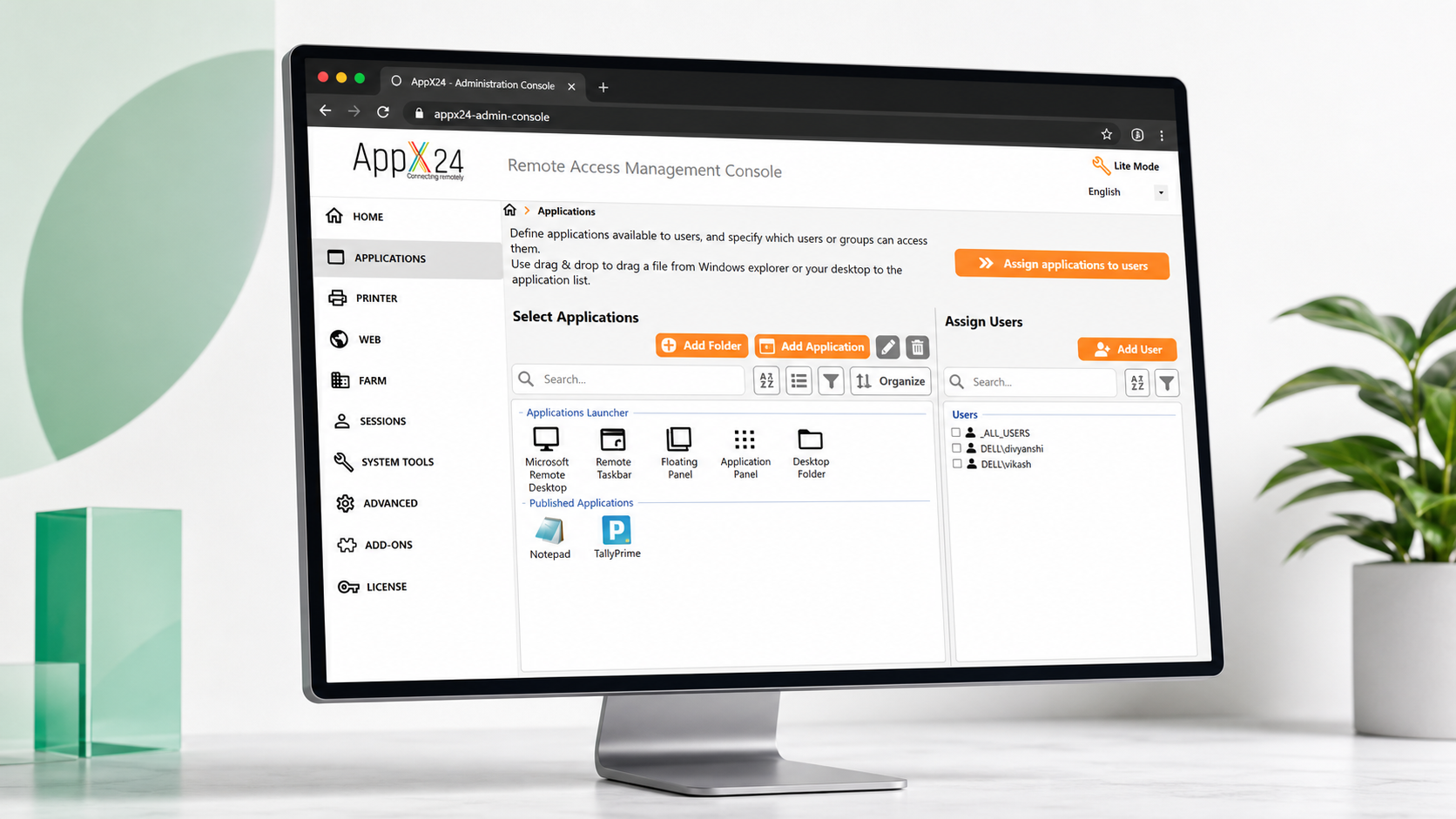
Work remotely with fast and secure access to Tally Prime, Windows applications, ERP, CRM, and enterprise software from any browser or device.
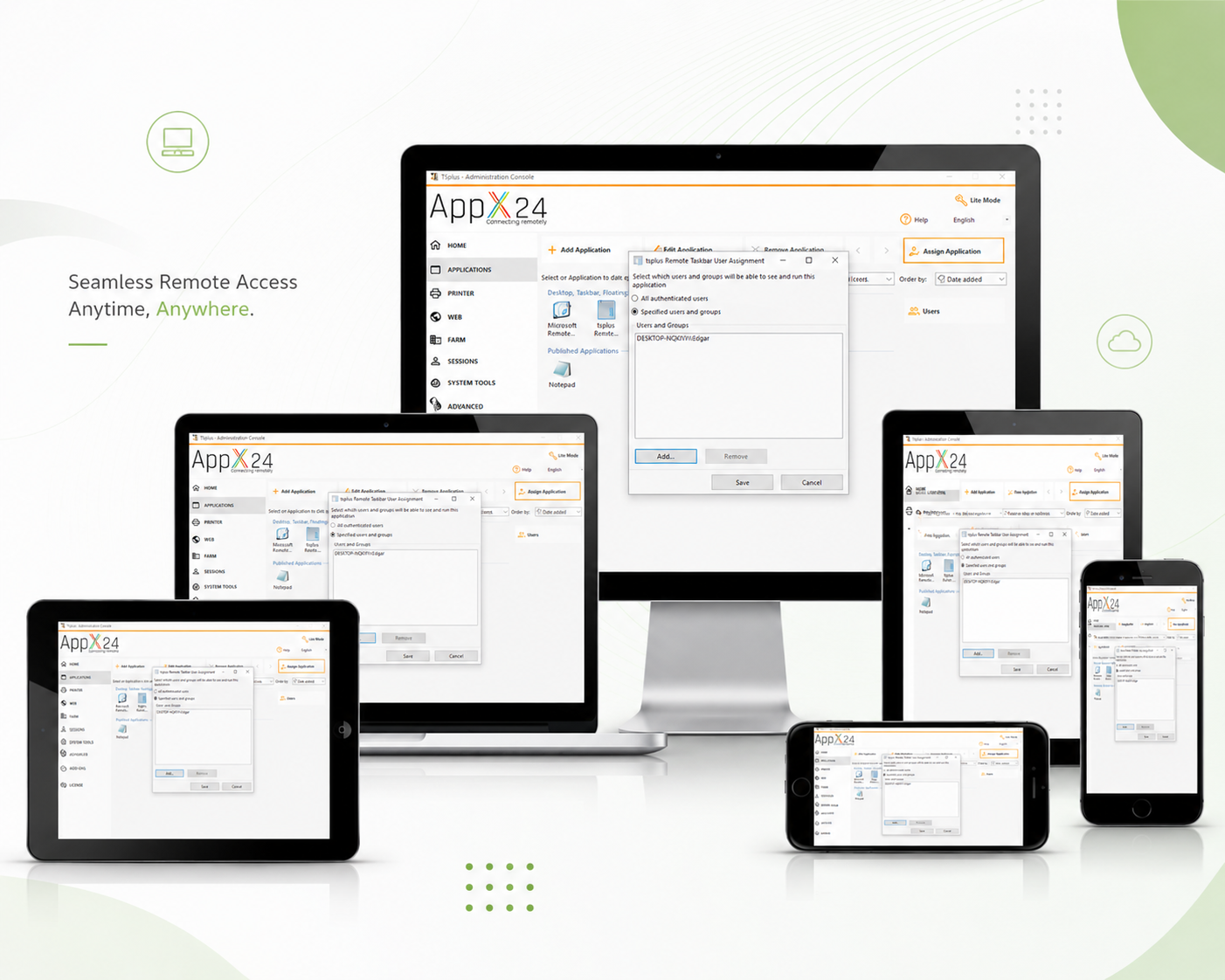
AppX24 gives your team a clean way to use Tally Prime, Windows apps, and business software from anywhere without heavy setup or security compromise.
Protect access with SSL/TLS, MFA, IP blocking, and user-wise permissions.
Launch your business apps quickly with smooth browser and desktop access.
Get practical remote access for teams without expensive infrastructure.
Quick installation and guided configuration for your server and users.
Use apps from laptop, desktop, tablet, or mobile with secure access.
AppX24 helps teams connect remotely, print securely, and keep business applications available from any location.
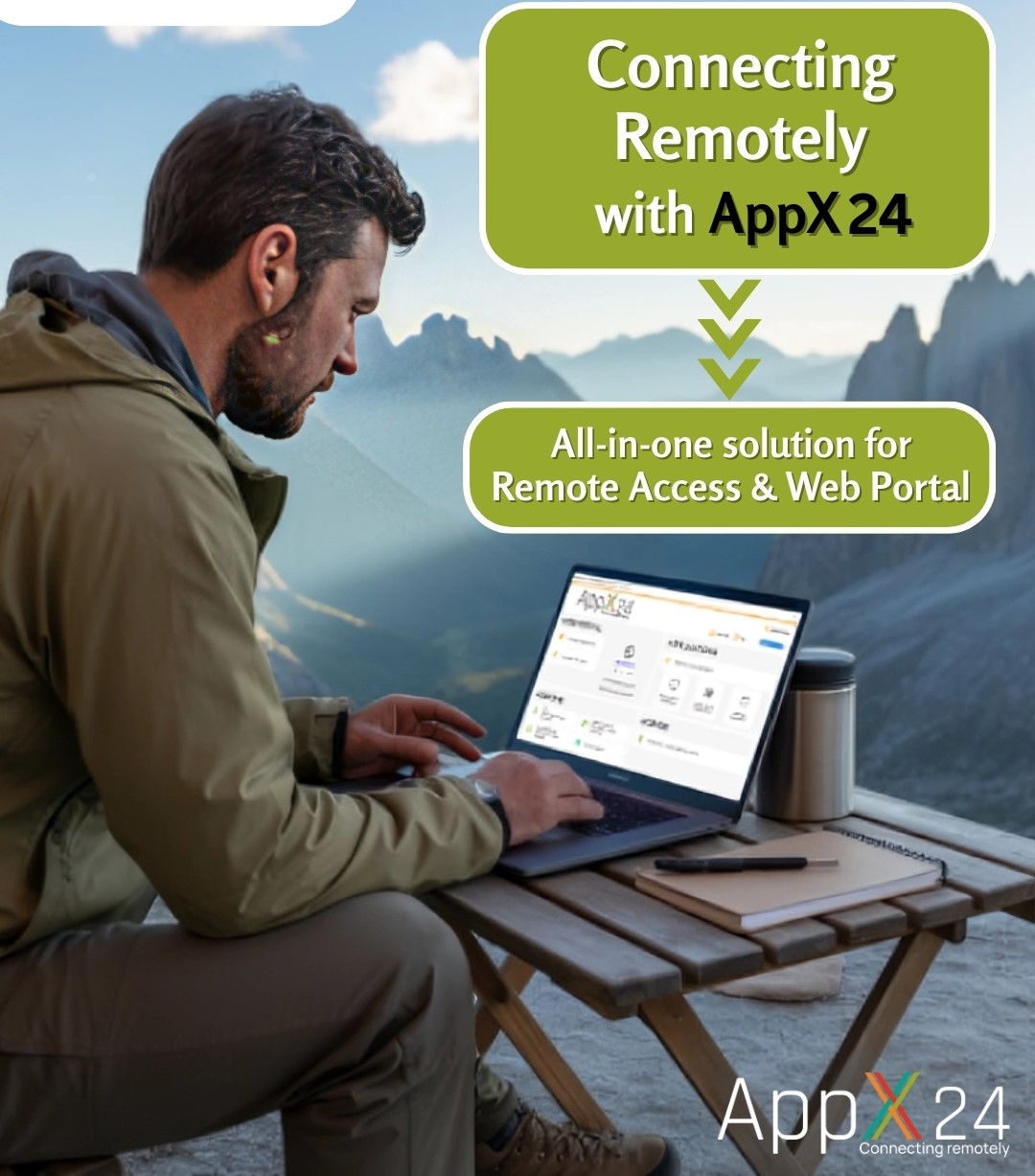
A secure web access solution that helps users open remote desktops and Windows applications from any device, wherever they work.
AppX24 enables users to connect to their remote desktop and start Windows applications using a favorite web browser such as Safari, Chrome, or Internet Explorer. It delivers a Windows desktop-like experience on laptops, desktops, smartphones, and tablets.
The seamless client provides fast, efficient access even over high-latency Internet connections. Remote applications look and feel like native applications, reducing user training time and helping teams stay productive from anywhere.
Access
Browser based
Devices
Desktop to mobile
Experience
Native app feel
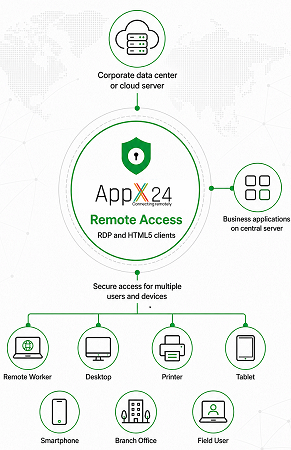
Based on HTML5 technology, AppX24 Mobile Web helps web-enable Windows applications with a reliable, scalable, and cost-effective approach.
Complex remote access technology is hidden behind a simple user experience.
Built to support growing teams, multiple users, and remote business workflows.
Helps build web access solutions that meet or exceed customer requirements.
AppX24 gives administrators the tools to publish Windows applications, manage users, simplify printing, and provide secure web access from anywhere.
Users access their applications and files from any web browser using the HTML5 or Windows client.
A fast, simple, and affordable way to instantly deliver existing Windows applications to users anywhere.
Installed in a few minutes without complex configuration or deep technical knowledge.
Installation has been streamlined using role-based installation with automatic setup.
The web gateway can be deployed in small, medium, and large environments to provide high-availability secure access to multiple AppX24 hosts with Single Sign On.
Allows administrators to easily control access to Windows apps based on user groups.
iOS and Android mobile client access to AppX24 Gateway is available with the AppX24 HTML5 connection client.
AppX24 makes remote printing simple for users and easier for administrators. Print documents from remote apps without mapping every local printer or installing complicated drivers.
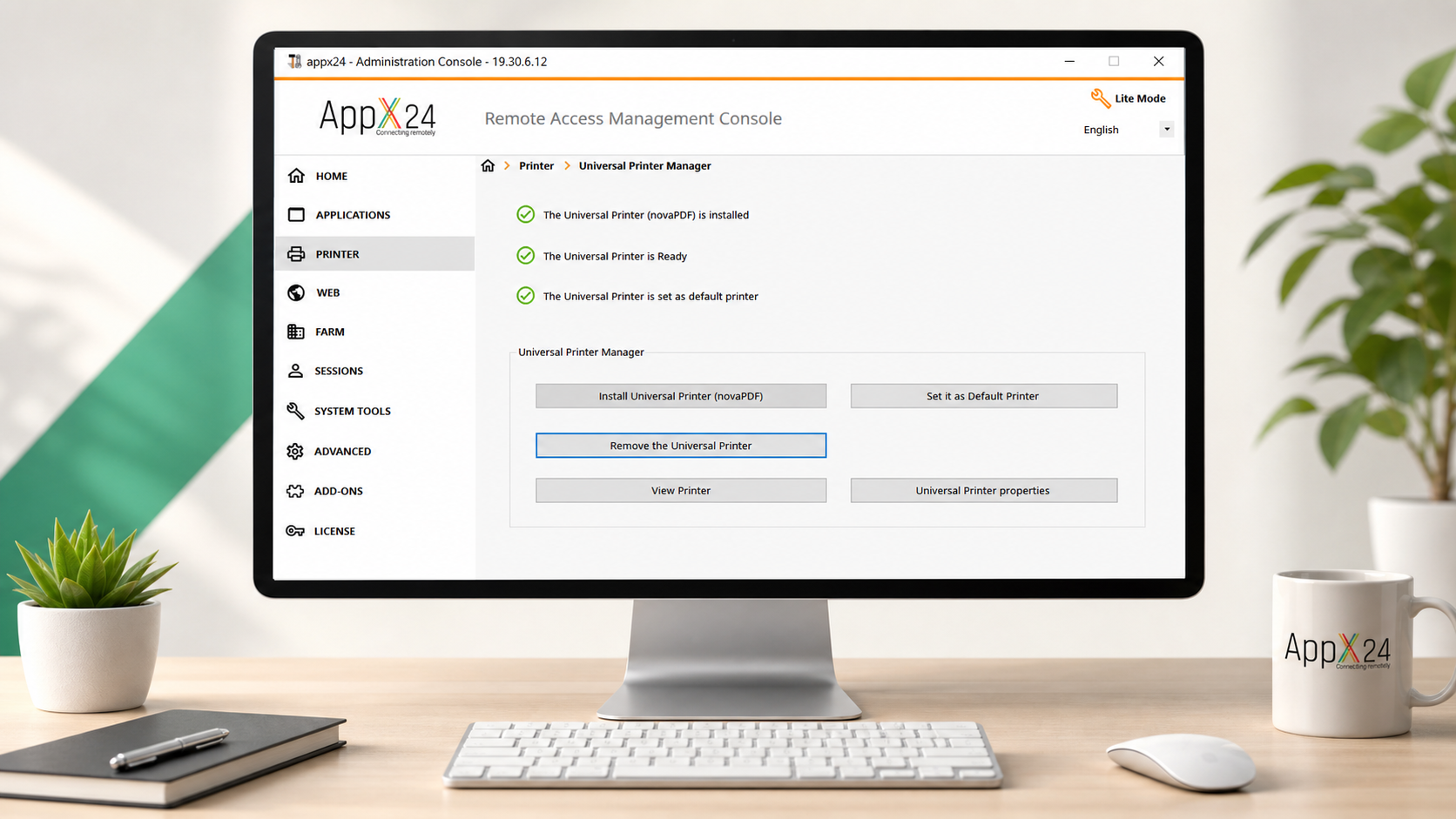
Print from any location without installing a specific printer driver. The document is converted into a PDF file and automatically pushed to the user device.
Because remote access uses fast Virtual Channel connections, administrators do not need to map local printers for every user.
Fine tune printing with advanced printer configurations for non-standard requirements like label printers and specific page sizes.
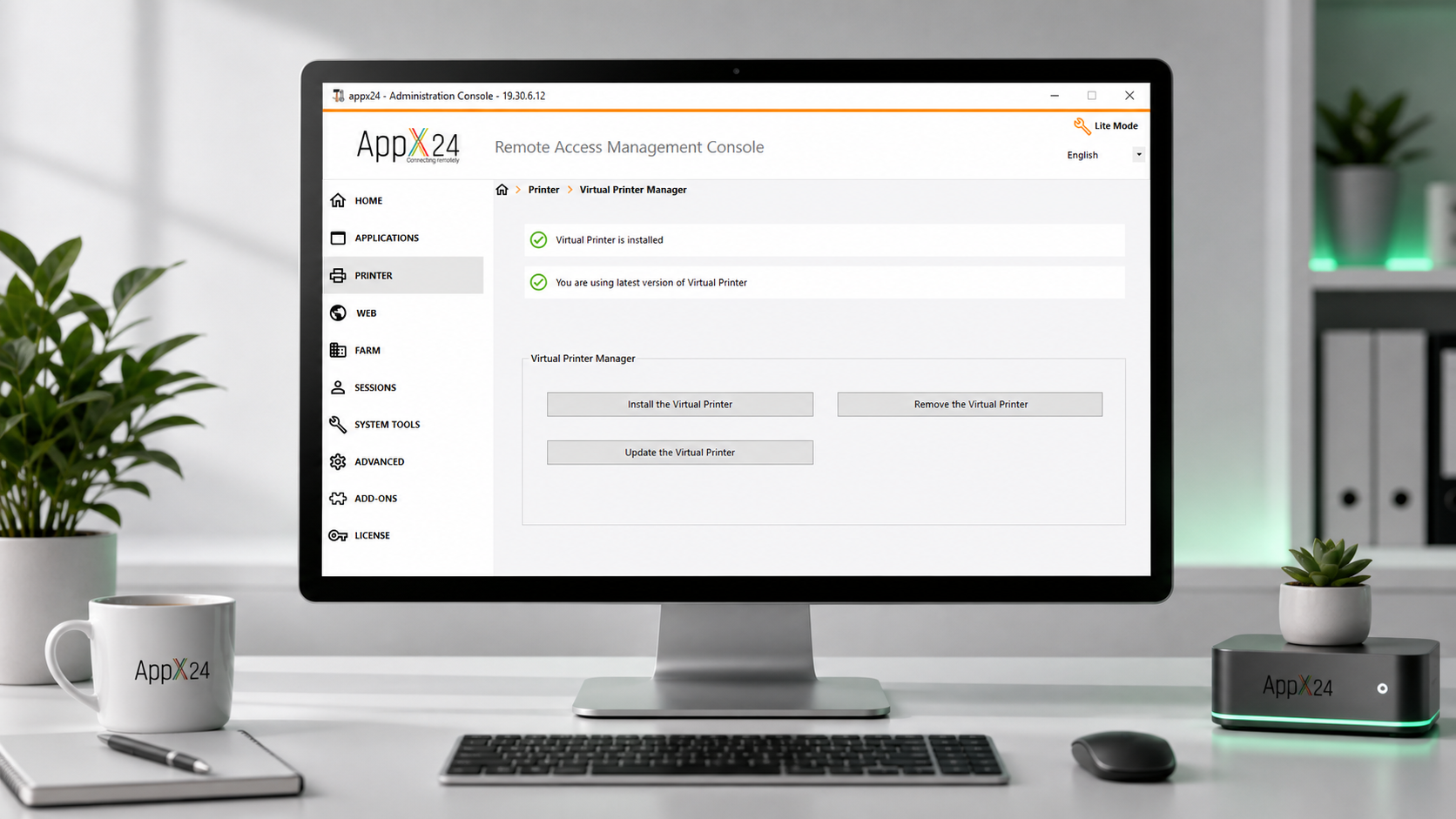
Compatible with Windows PCs, Virtual Printer offers much greater control over printer configurations for teams with specific printing workflows.
AppX24 protects remote access with multiple security layers, so your business applications stay available to the right users and protected from unwanted access.
Add an extra login step to reduce unauthorized access.
Automatically block repeated suspicious login attempts.
Keep sessions encrypted between users and server.
Strengthen server protection against modern cyber threats.
Protect Windows servers and remote access with intelligent IP blocking, real-time monitoring, geographic rules, login defense, and centralized firewall controls.
Automatically blacklist known malicious IP addresses linked to attacks, malware, botnets, online abuse, and other cybercrime. Community-powered threat intelligence identifies more than 368 million threats daily.
View incoming connections in real time on an interactive global map, with clear pinpoints for detected threats and allowed connections.
Allow trusted countries, restrict unwanted regions, and choose the processes and ports monitored by Geographic Protection.
Monitor failed Windows logins and automatically block scanners, robots, and offending IP addresses after a configurable number of attempts.
Manage blocked and whitelisted IP addresses from one clear list, and move multiple blocked addresses to your whitelist in a single action.
Advanced Protection
User
Verified
Server
Protected
Policy Engine
Every login passes security checks
Location
Allow trusted regions only
Device
Verify approved endpoint
Login
Stop brute-force attempts
Complete protection for server connections, trusted devices, secure sessions, and user permissions.
Protect your machine against known online attacks, service abuse, malware, botnets, and cybercrime. Community-powered intelligence automatically blacklists more than 368 million identified threats daily.
Monitor incoming connections in real time. Clearly identify detected threats and allowed connections for immediate visibility into your server’s global activity.
Block unwanted countries and allow access from trusted locations. Whitelist or block IP addresses and select the processes and ports monitored by Geographic Protection.
Monitor failed Windows logins and automatically block hackers, scanners, robots, and offending IP addresses after a configurable number of attempts.
Check Advanced Security, Windows Firewall, Logon Audit, and HTML5 portal status from one place.
Allow users to connect from any device or restrict access to specific device names. Connection attempts are listed automatically so administrators can quickly approve or deny devices.
Prevent compromised credentials from being used to enter your network. Even with a stolen password, an attacker still needs an authorized device to connect.
Download the AppX24 trial or add advanced protection for secure remote desktop access.
Trial version
Enjoy 15 Days of Free Remote Desktop Access from Any Device.
AppX24 Corporate Edition full product free download for 5 users with a 15 days trial.
AppX24 Security
Download the perfect AppX24 add-on for remote desktop security.
Fill out the form and our AppX24 expert will contact you to schedule a demo, calculate users, and discuss your remote access requirements.
Call Us
+91 85040 05009
support@priyaminfosystems.com
Address
401-404, Neelkanth, 1, Bhawani Singh Road, C-Scheme, Jaipur-302001, Rajasthan, India
Quick answers about AppX24 remote access, supported devices, security, and setup.
AppX24 is a secure remote access solution for using Windows applications, Tally Prime, ERP, CRM, and business software from anywhere.
Users can connect through desktops, laptops, tablets, and smartphones using a compatible browser or AppX24 client.
Yes. AppX24 supports encrypted access, user controls, device protection, IP protection, and advanced server security options.
Yes. You can request a free trial or book a product demonstration using the contact form.
Yes. AppX24 can provide remote access to Tally Prime, ERP, CRM, accounting tools, Microsoft Office applications, and other Windows-based business software.